Icons, animations and SVG
The files designers and developers work with open like any photo — and show what is inside them: every size of an icon, every frame of an animation, a drawing as sharp as you zoom.
Icons: every size inside
An icon file holds the same picture in several sizes, each drawn for its own place — 16 pixels for a list, 256 for a large tile. The viewer shows them all in a strip, so you can see each one as Windows will.
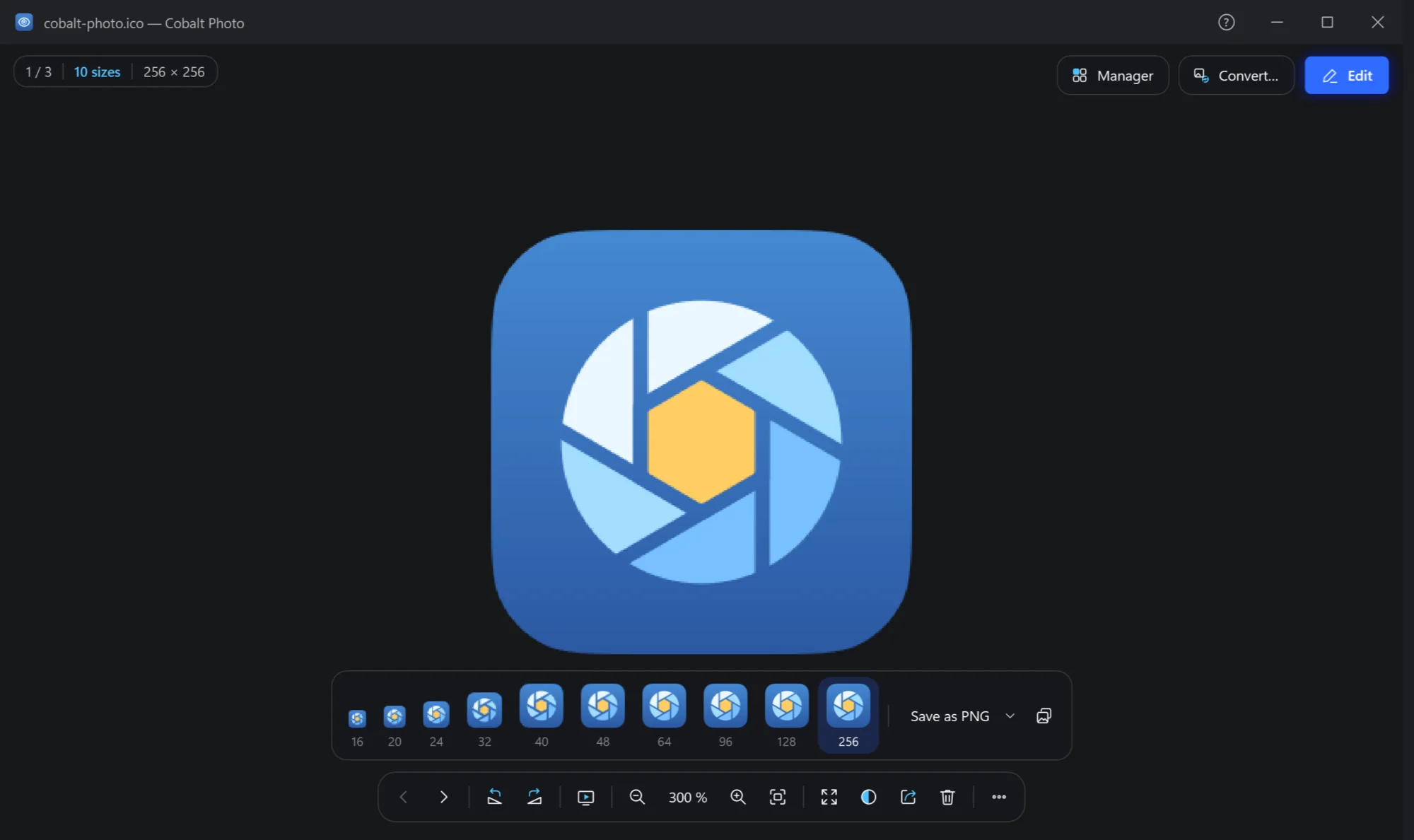
- How many sizes. The plate says how many the file holds, and the size of the one shown.
- The sizes. Each one drawn at its own size, with its number of pixels under it. Click one to see it in the middle; point at it for its colour depth and how it is stored.
- Save as PNG. The size shown, as a PNG next to the icon. The arrow beside it: this size into another folder, all sizes as PNG files, or all sizes into a folder.
- Copy this size. The size shown, to paste into another app.
It reads Windows icons (.ico), cursors (.cur, and animated .ani) and macOS icons (.icns). Zoomed in to 200 % or more, every pixel shows as a sharp square, so a 16-pixel icon can be checked closely.
Animations: frame by frame
An animated GIF, WebP or PNG plays as it opens, and the plate says how many frames it has and how long it runs. To look at one frame, pause it.
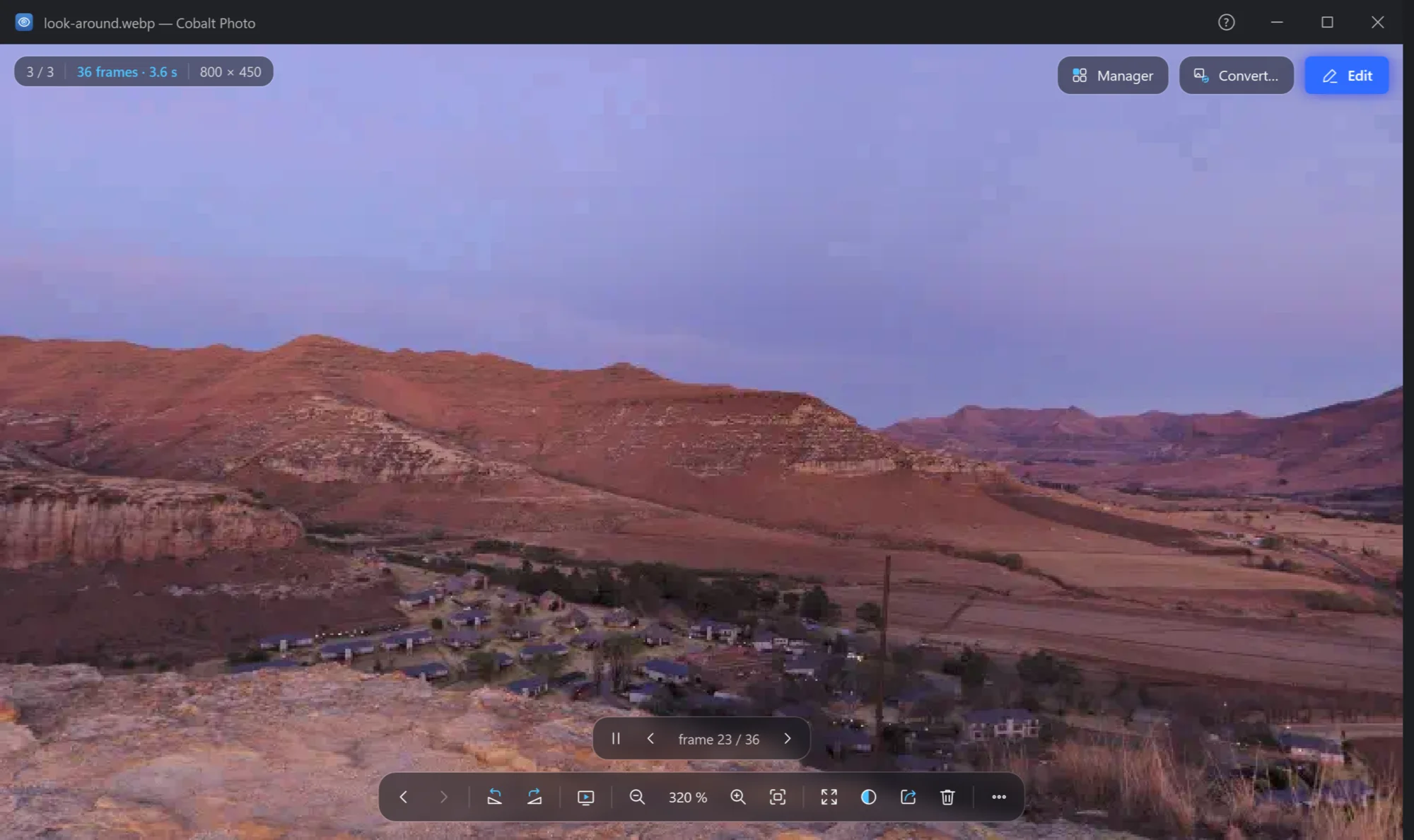
- Frames and time. How many frames, and how many seconds one round takes.
- Pause and play.
- Frame by frame. Which frame is shown, and a frame back or on.
The frame shown can be saved as a PNG on its own: ⋯ → File → Save this frame as PNG. If you would rather have animations just play, without the controls, turn off Settings → Viewer → Animation controls.
SVG: sharp at any zoom
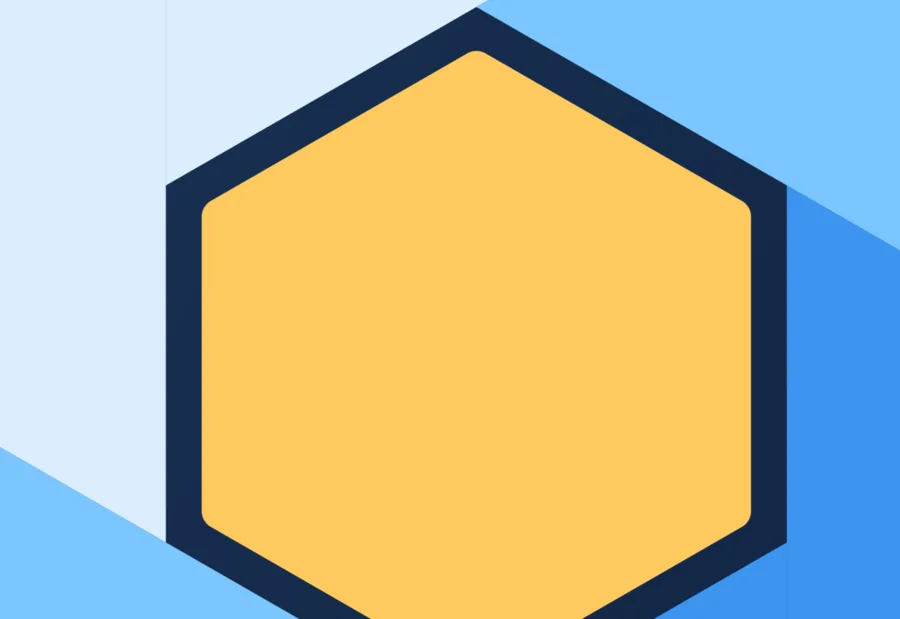
An SVG (and a compressed .svgz) opens as the drawing it is, and the plate says vector. Zoom in as far as 25 600 % and its edges stay sharp. Its size is the one the file gives, in its own units; on the transparent parts, the squares background shows what is see-through.
A drawing the viewer cannot draw says why in the middle of the window, so a broken file is easy to tell from an empty one.