Cull
Three hundred shots from one day: keep the good ones, drop the misses. One key per photo, the next comes at once, and the marks are written into the files as you go.
In the manager: right-click → More → Cull (from here, or the chosen ones), ☰ → Cull pictures…, or right-click a folder → Cull pictures…. Shots taken within a second of each other become a burst.
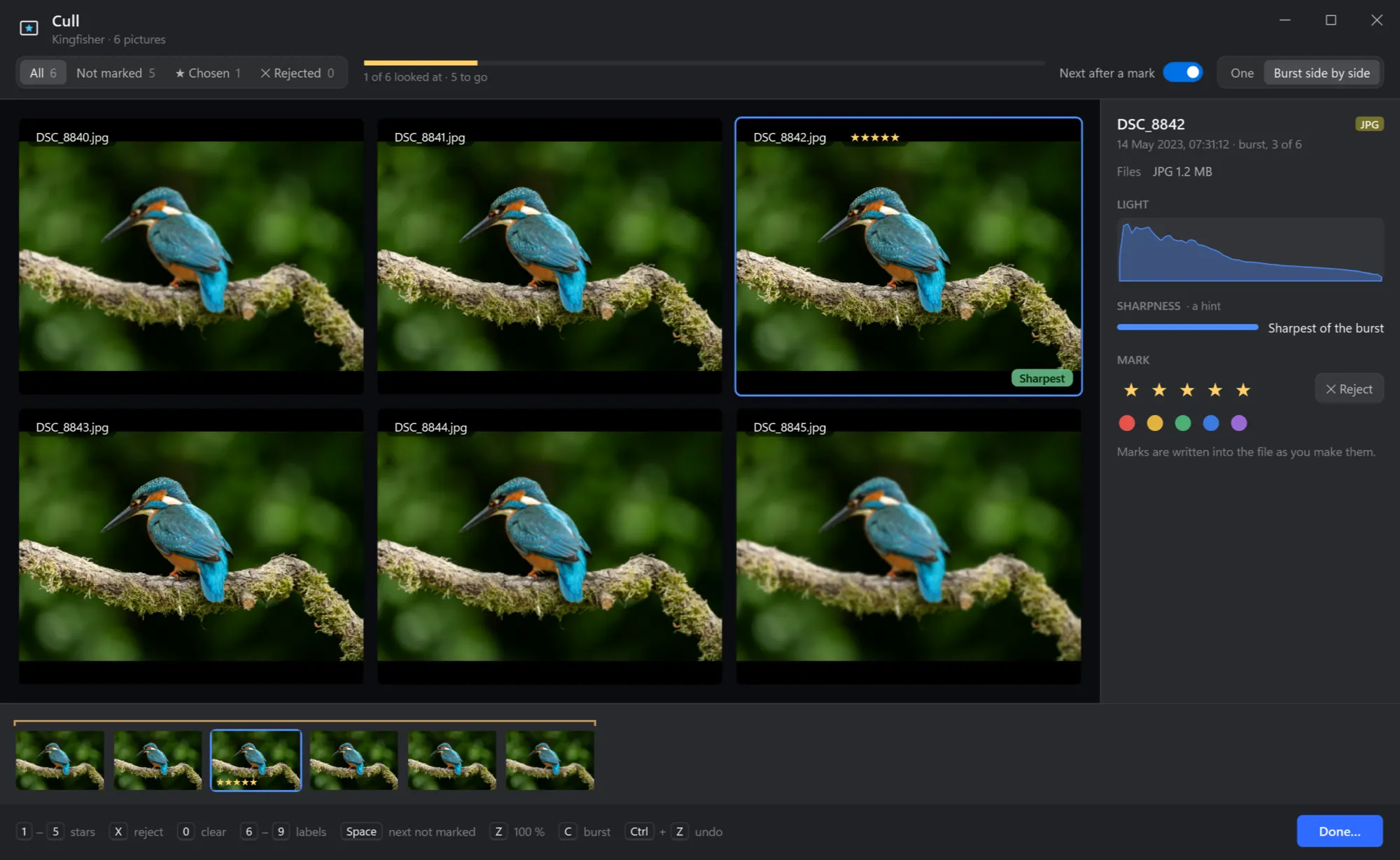
The Cull window
- Which ones. All, not marked yet, chosen, rejected — with how many.
- How far. How many looked at and how many to go; yellow for the chosen, red for the rejected.
- Next after a mark. On: a key that marks goes on to the next shot by itself.
- One shot at a time, or the burst side by side. C
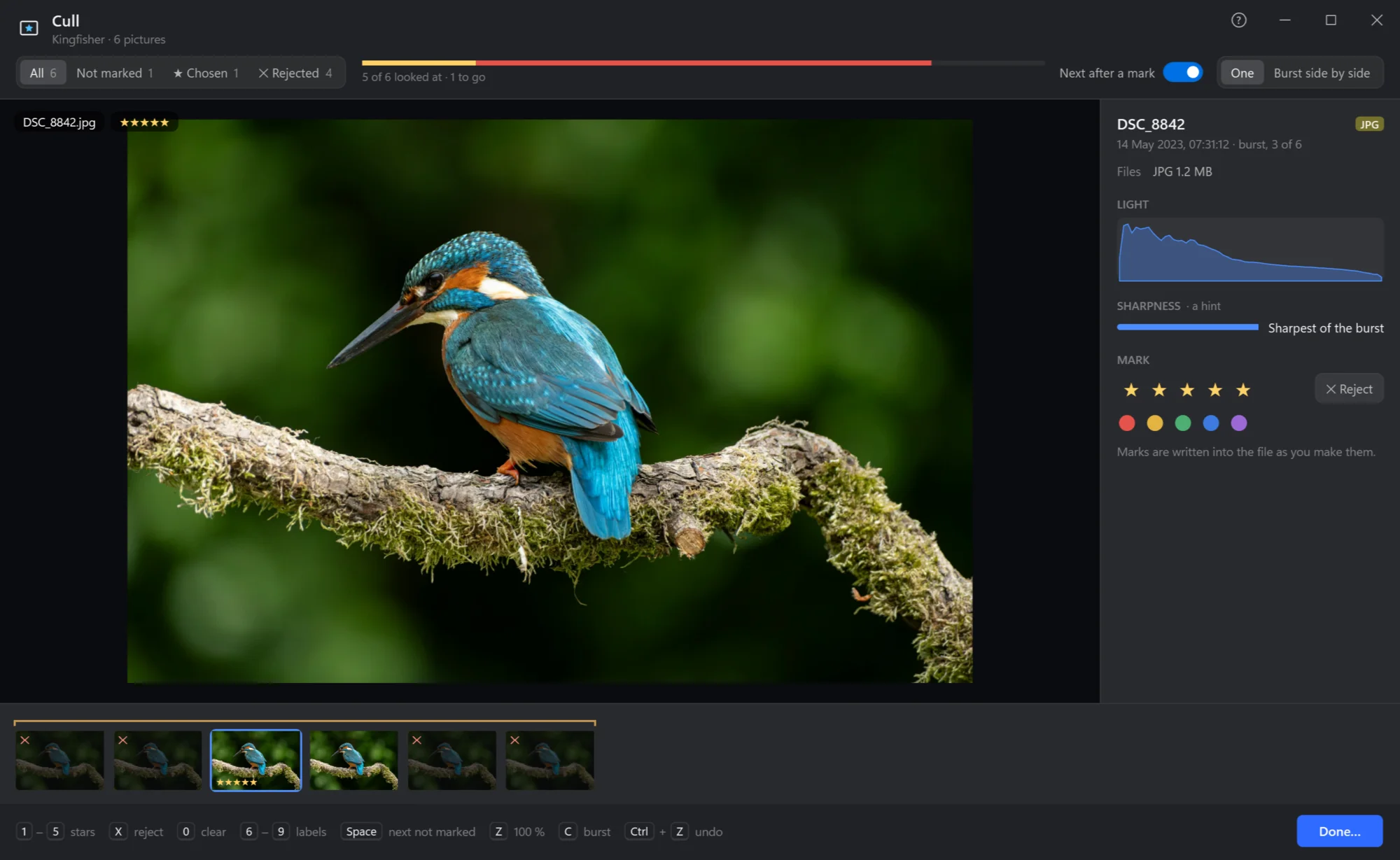
- The shot. Z or a click: 100 % where you point, to see if the eyes are sharp; again for the whole shot.
- Light and sharpness. Its histogram, and how sharp it is next to the others of its burst — Sharpest of the burst is a hint, not a verdict.
- Mark. Stars, Reject and the colour labels; written into the file as you make them.
- The strip. Every shot, the bursts held together, its marks on each.
- The keys, always in view — and Done… at the end.
Keys
| Keys | What they do |
|---|---|
| 1 … 5 | Stars, and on to the next shot (as chosen) |
| X | Rejected, or not any more |
| 0 | No stars, not rejected, no label |
| 6 … 9 | Colour labels |
| ← → Home End | The shot before or after, the first or last |
| Space | The next shot not marked |
| Z | 100 % where the pointer is, or the whole shot again |
| C | The burst side by side, or one shot |
| Ctrl+Z | Undo the last mark |
| Esc | Back from 100 %, or close — the marks are kept |
Done
Done… counts the chosen, the rejected and the not marked, and takes care of them. The rejected: moved into a folder _Rejected beside them (out of the way, nothing deleted — look through it later, or delete the folder in one go), moved to the Recycle Bin, or left where they are, only marked. The chosen: straight into Convert if you like — RAW shots into JPEGs in a folder beside them. A RAW shot's JPEG and .xmp always go with it.
Closing without Done keeps every mark in the files, so you can go on another day — or find them in the manager with rating:>=1.