Formats and quality
Thirteen formats to save to, each with what it is for. If you are not sure: JPG for photos to send, PNG for screenshots and logos, AVIF or WebP to save space.
Which format
| Format | For | Good to know |
|---|---|---|
| JPG | Photos that must open everywhere. | Every app, phone and website takes it. No transparency. |
| PNG | Screenshots, logos, graphics, anything see-through. | No loss at all; large for photos. |
| WebP | Pictures for the web. | About a third smaller than a JPG that looks the same, transparency kept; Lossless for graphics. Up to 16 383 pixels a side. |
| Pictures to send or print as pages. | One file with a page each, or a file each — options. | |
| AVIF | The smallest files. | About 40 % smaller than a JPG that looks the same, and still clean much lower down; 10 bits a channel, so skies have no steps. Windows shows it with its free AV1 Video Extension. |
| JPEG XL | Small and sharp, quick to write. | About a third smaller than JPG; lossless for graphics. Photoshop, Lightroom and Apple's devices open it; Windows only with the JPEG XL Image Extension (Windows 11 24H2 and later). Cobalt Photo always. |
| HEIC | As an iPhone saves photos. | Offered when Windows can write it: with Microsoft's HEVC Video Extensions from the Store. |
| GIF | Old places that take nothing else. | 256 colours at most. |
| TIFF | Print and archives. | Without loss; compression LZW, ZIP or none. |
| BMP | Old programs. | The pixels as they are, uncompressed. |
| ICO | Windows icons. | Several sizes in one file — options. |
| JPEG XR | HDR pictures. | Rare; quality 100 is without loss. |
| TGA | Games and video. | As game engines and video tools take it. |
Cobalt Photo opens 43 formats and saves these 13: what it opens but does not save — RAW, Photoshop, SVG and the rest — it converts to one of them.
Quality
Each format that loses something to be small has a quality from 1 to 100: lower is smaller. The numbers are not the same from one format to another — each has its own scale, and Convert says under the number what matches a JPG at 85, which looks the same as the original:
| Format | Looks like a JPG at 85 |
|---|---|
| JPG | 85 — as it comes, set in Settings → General → JPG quality |
| WebP | 75 |
| AVIF | 65 — and at 55, about a third of a JPG's size, softer but without blocks |
| JPEG XL | 85 |
Each format's own options
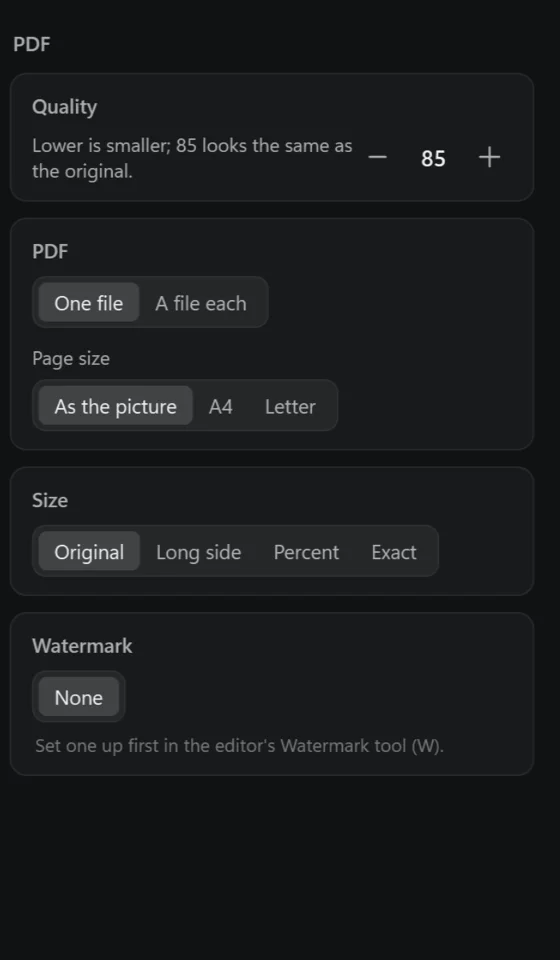
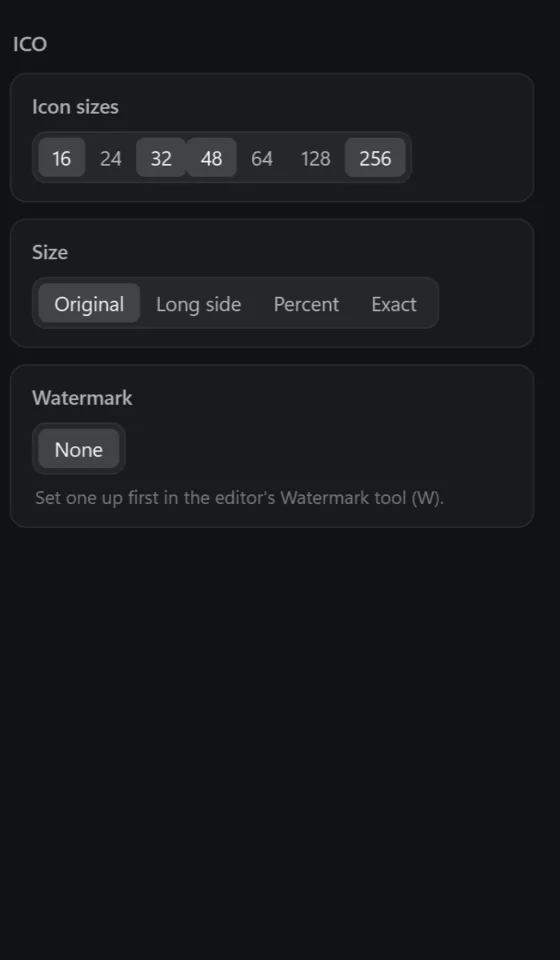
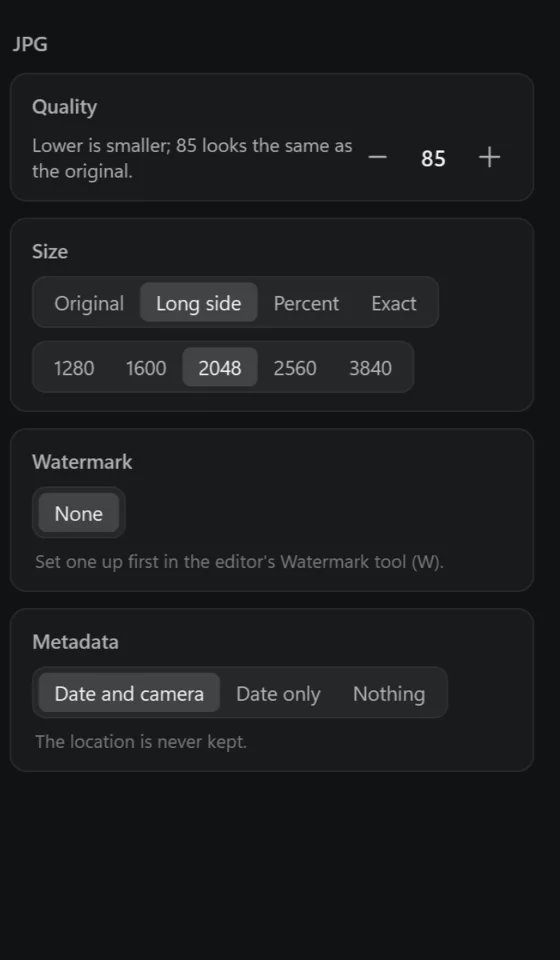
WebP has Smaller or Lossless — every pixel as it is, about a quarter smaller than a PNG, for graphics, screenshots and logos. TIFF has LZW, ZIP or no compression; all three keep every pixel.