How to open HEIC photos on Windows
Windows reads HEIC with two extensions from Microsoft: HEIF Image Extensions, which are free, and HEVC Video Extensions, which many PCs already have and which otherwise cost $0.99 in the US Store. Cobalt Photo reads HEIC through them, so it needs them too.
What Windows needs
| From the Microsoft Store | Price | What it does |
|---|---|---|
| HEIF Image Extensions | Free | Lets Windows read the HEIC file |
| HEVC Video Extensions | $0.99, unless your PC came with it | Decodes the photo inside |
The price in the US Store when we wrote this. The Store shows yours in your currency.
Open a HEIC photo in three steps
- Get Cobalt PhotoInstall it from the Microsoft Store. The viewer is free, forever.
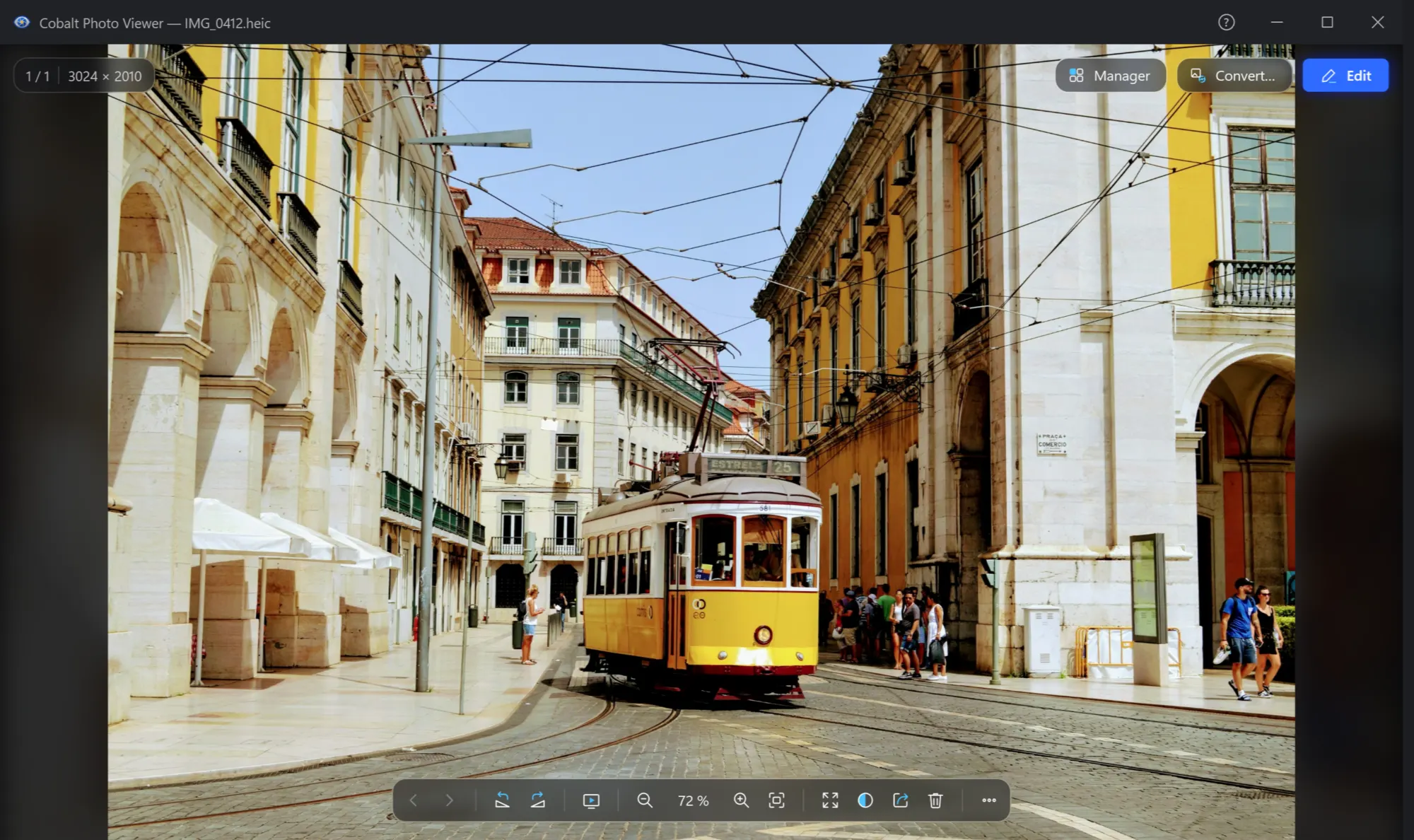
- Open the photoIn File Explorer, right-click it and choose Open with → Cobalt Photo Viewer. If Windows has what it needs, you see the photo at once.
- Install what is missingIf it can't be read, the viewer says so in the middle of its window and names HEIF Image Extensions. Install them. If the photo still doesn't open, install HEVC Video Extensions too.
More on this and on other new formats: HEIC, AVIF and JPEG XL.
What to expect
It reads HEIC through Windows, so it needs them like any other app that does. That is different from PSD, RAW, JPEG XL and WebP, which Cobalt Photo reads by itself, with nothing to install.
They belong to Windows, not to Cobalt Photo. Other apps that read pictures through Windows can use them too.
When you need something else
| You want to | Use |
|---|---|
| Look through iPhone photos | Cobalt Photo Viewer, free, with the extensions above |
| Turn HEIC into JPG for someone whose PC can't open it | Cobalt Photo Pro: To JPG in Explorer's menu or on the drop panel, 14 days free |
| Save pictures as HEIC | Cobalt Photo Pro, with HEVC Video Extensions: Windows writes HEIC with them |

Open your iPhone photos
The viewer is free forever. No ads, no time limit.