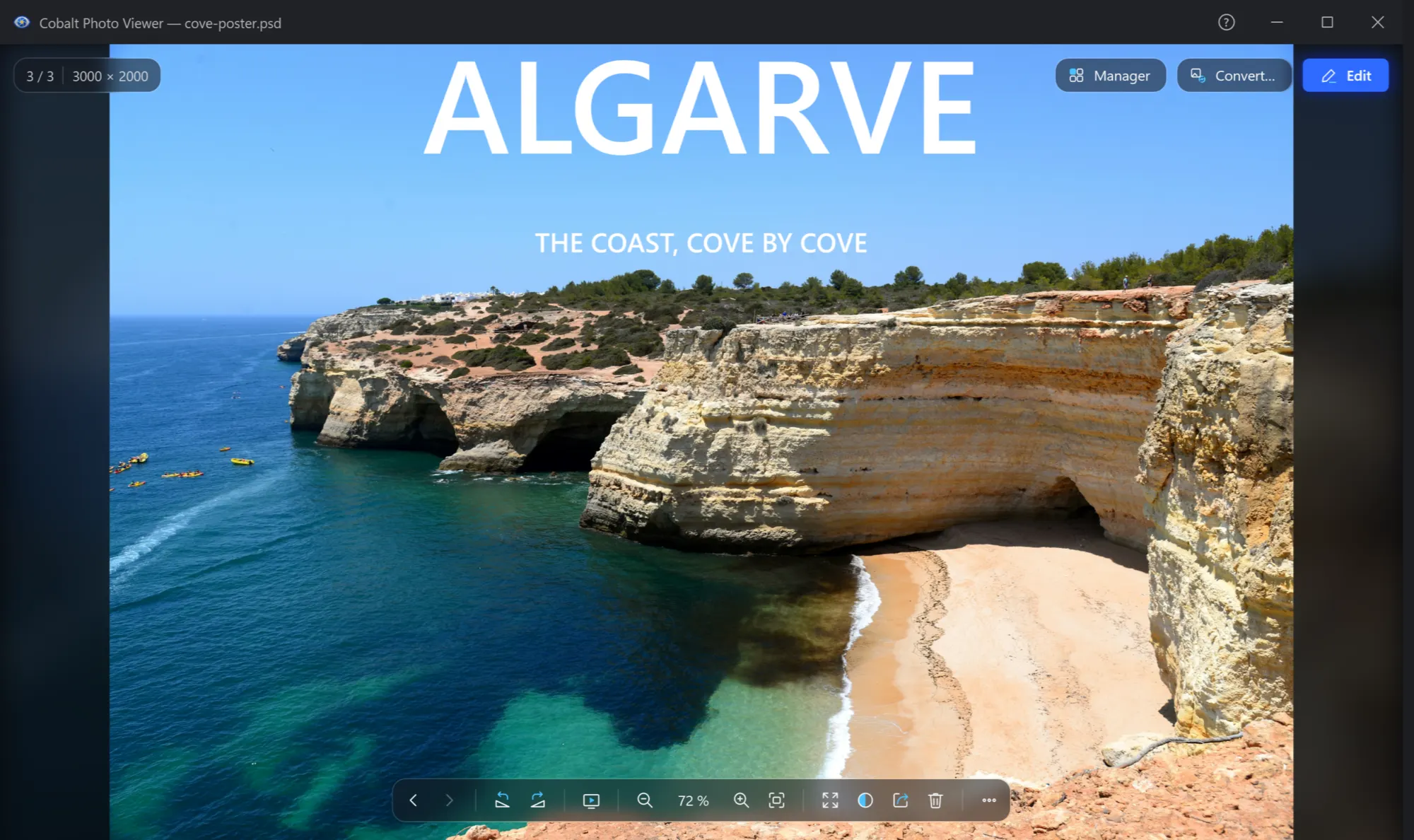
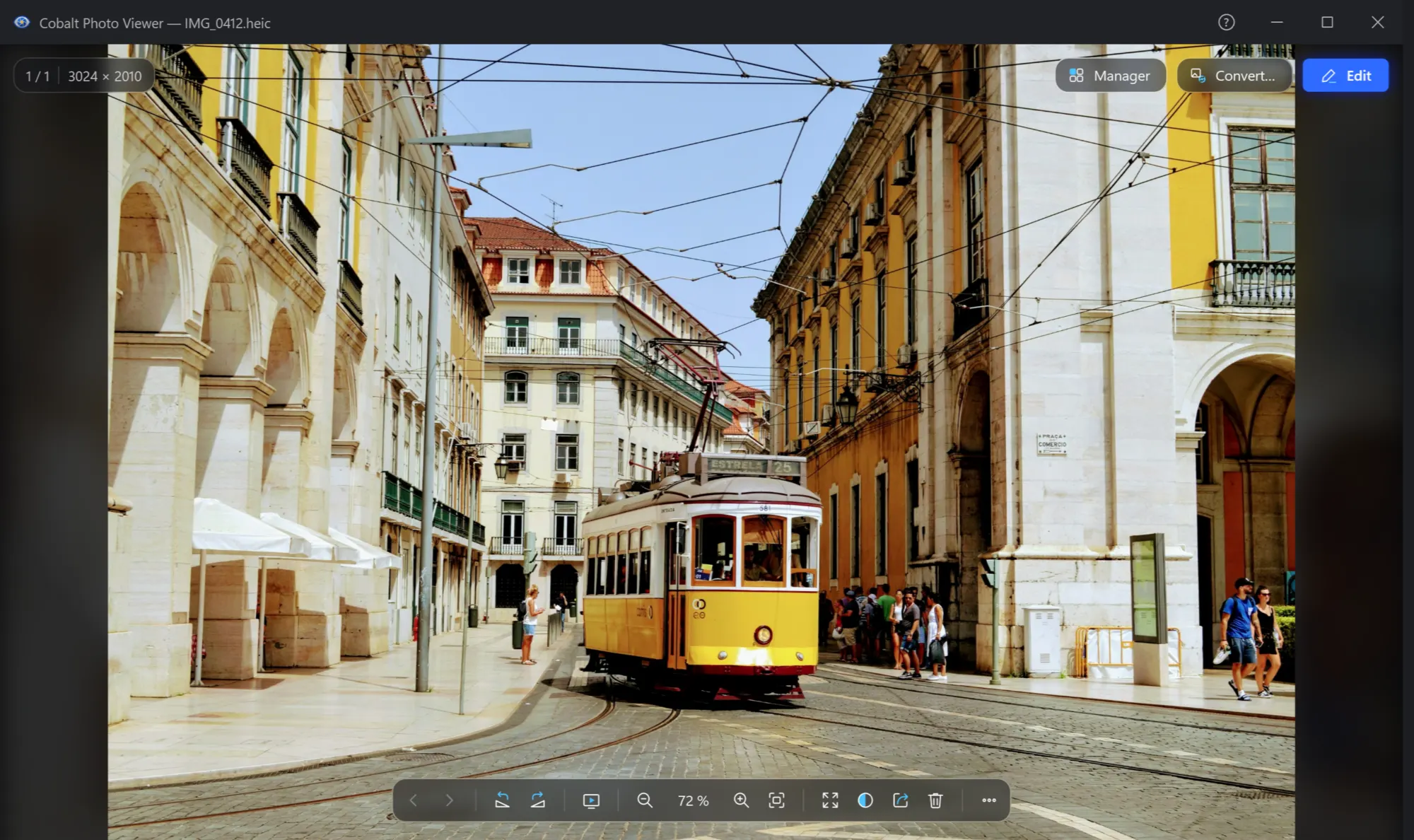
A fast alternative to Windows Photos
If Windows Photos feels slow, or won't open your files, try Cobalt Photo Viewer. It is free from the Microsoft Store, opens 43 picture formats, and the next picture is already read when you press the key.
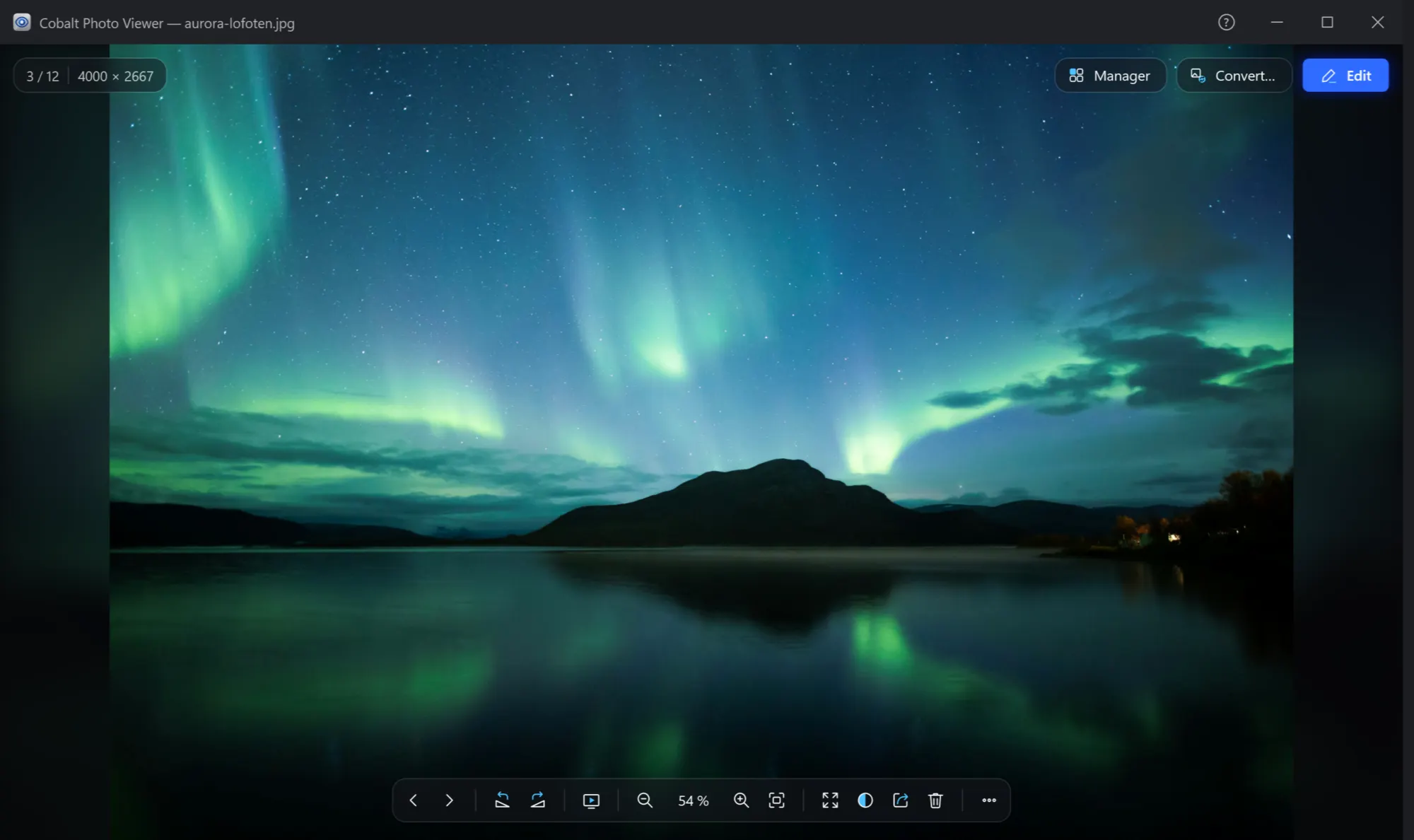
0 sto the next picture: it is read while you look at this one
0.17 sto show a 463 MB Photoshop file
43picture formats, from photos to RAW and Photoshop
Measured on our test PC.
What you get for free
- All 43 formats: photos, RAW, Photoshop, icons, SVG, JPEG XL.
- 360° photos, panoramas and animations.
- Zoom, full screen, the whole folder.
- Rotate and flip, saved to the file.
- Copy, print, share, set as wallpaper, delete.
- Thumbnails and preview in File Explorer.
No ads, no account and no time limit.
Make it the app your pictures open in
- Get Cobalt PhotoInstall it from the Microsoft Store.
- Open Cobalt Photo File AssociationIt is in Start. Choose Open all in Cobalt Photo…, and Windows opens its own page for Cobalt Photo Viewer.
- Set it as the defaultWindows lets only you choose. Click Set default there, or keep some types with another app: Open pictures with a double click.
Changed your mind? Choose another app the same way. Nothing else changes, and your pictures stay where they are.
What to expect
It shows pictures, not videos
Animated pictures play, such as GIF and animated WebP. Videos need another app.
It works with your files
There are no online albums and no account. Your pictures stay on your PC.
The library and the editor are Pro
The manager with its search, the editor, Convert and the slideshow are part of Cobalt Photo Pro, 14 days free.

Try it on your own pictures
The viewer is free forever. No ads, no time limit.